Images
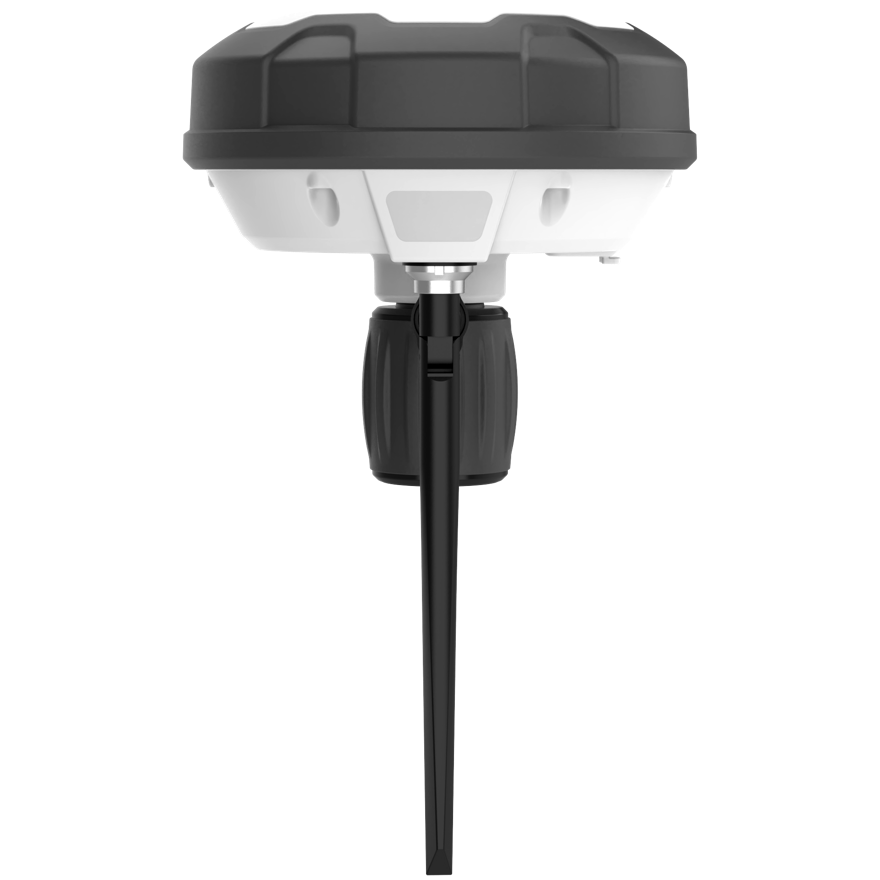
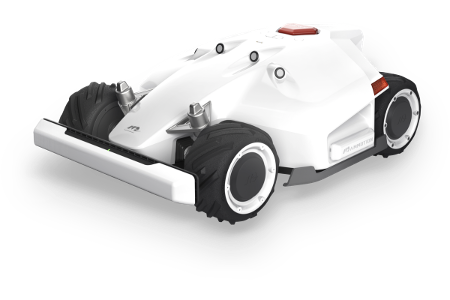
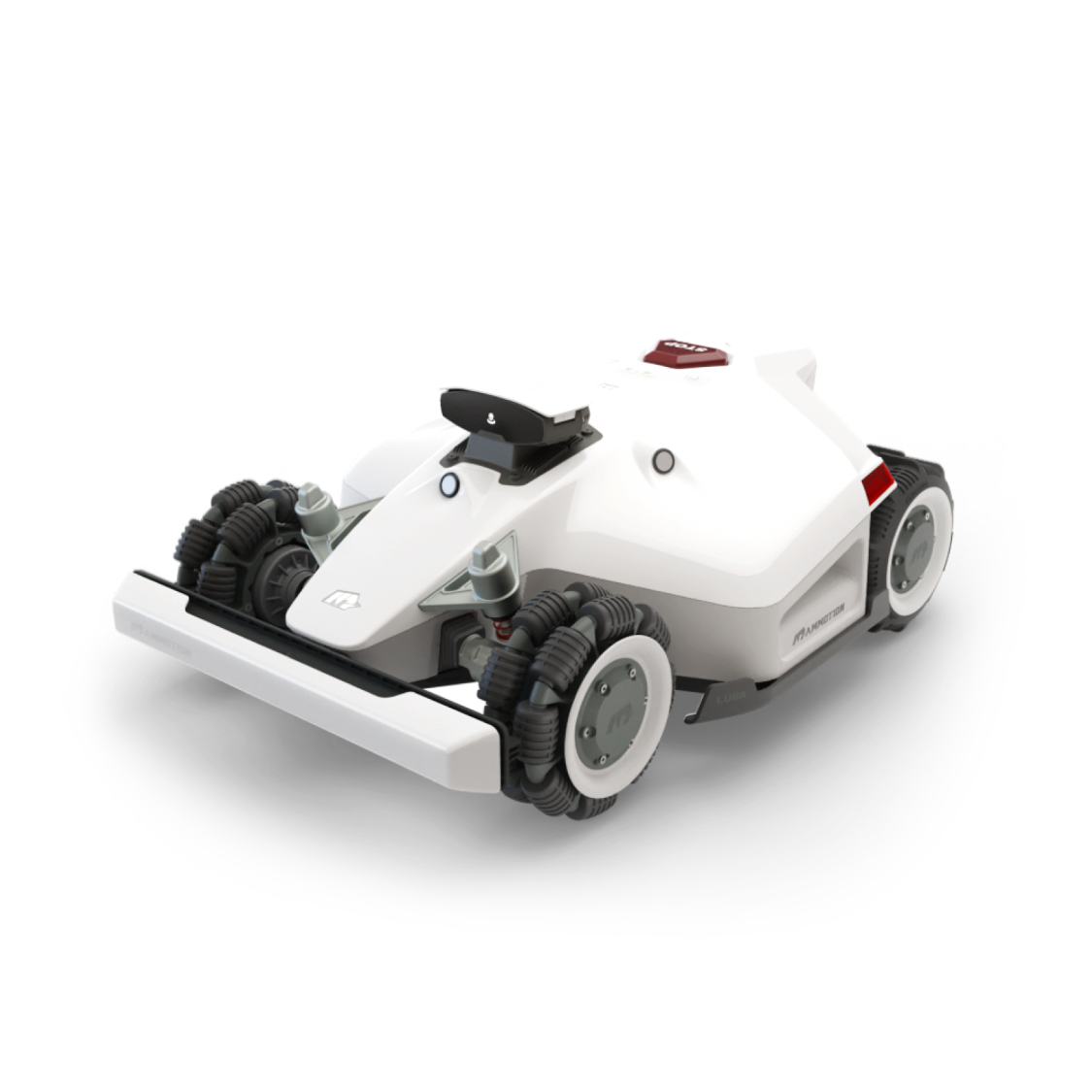
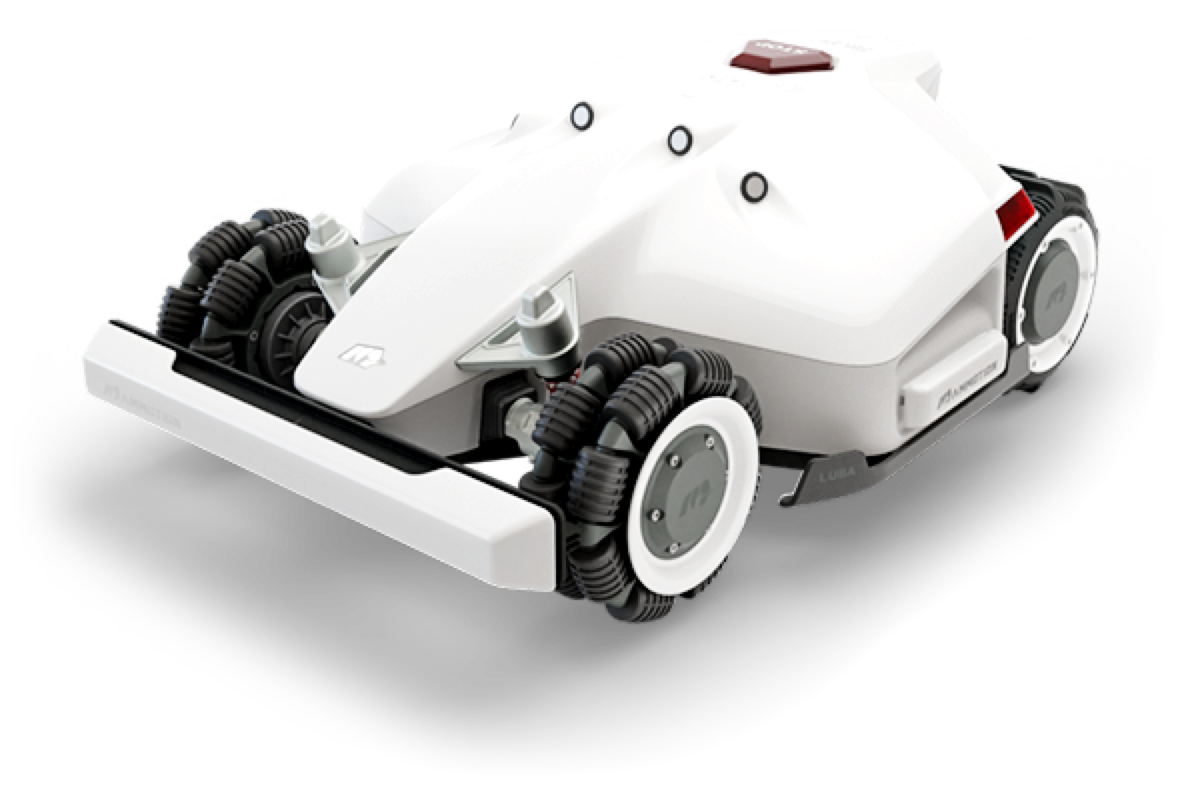
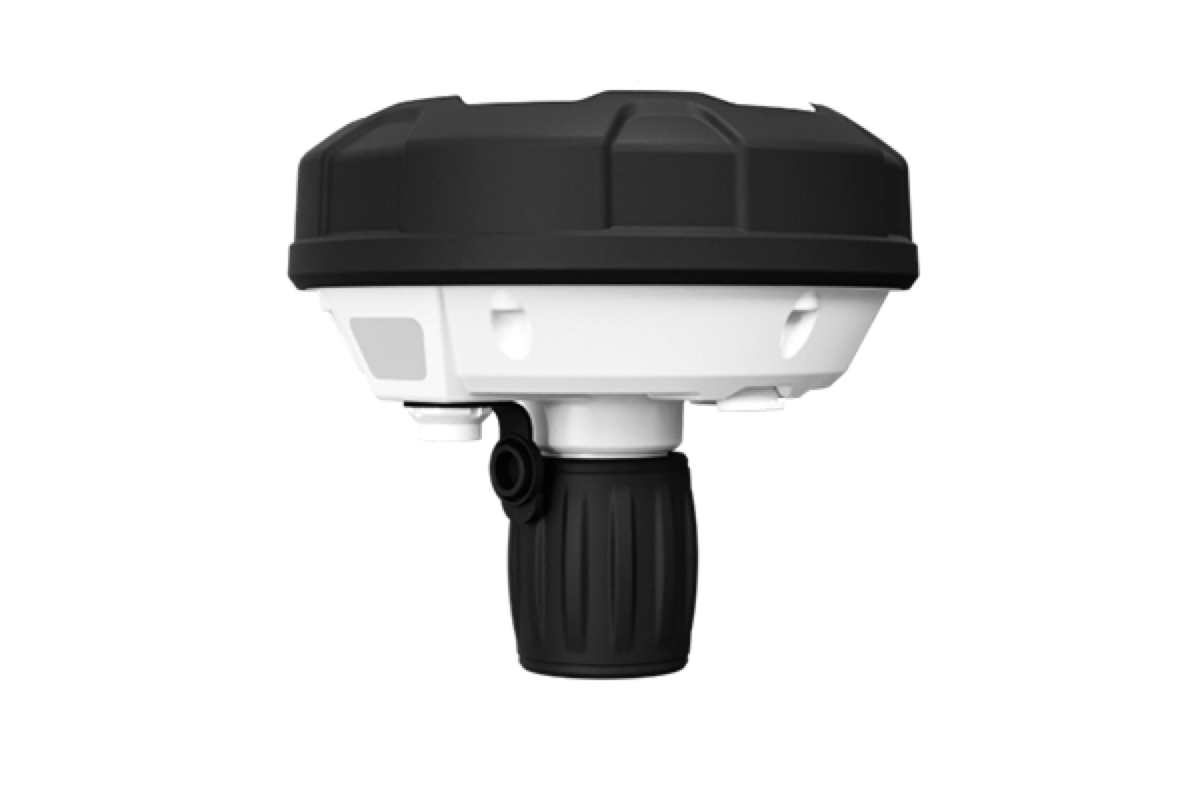
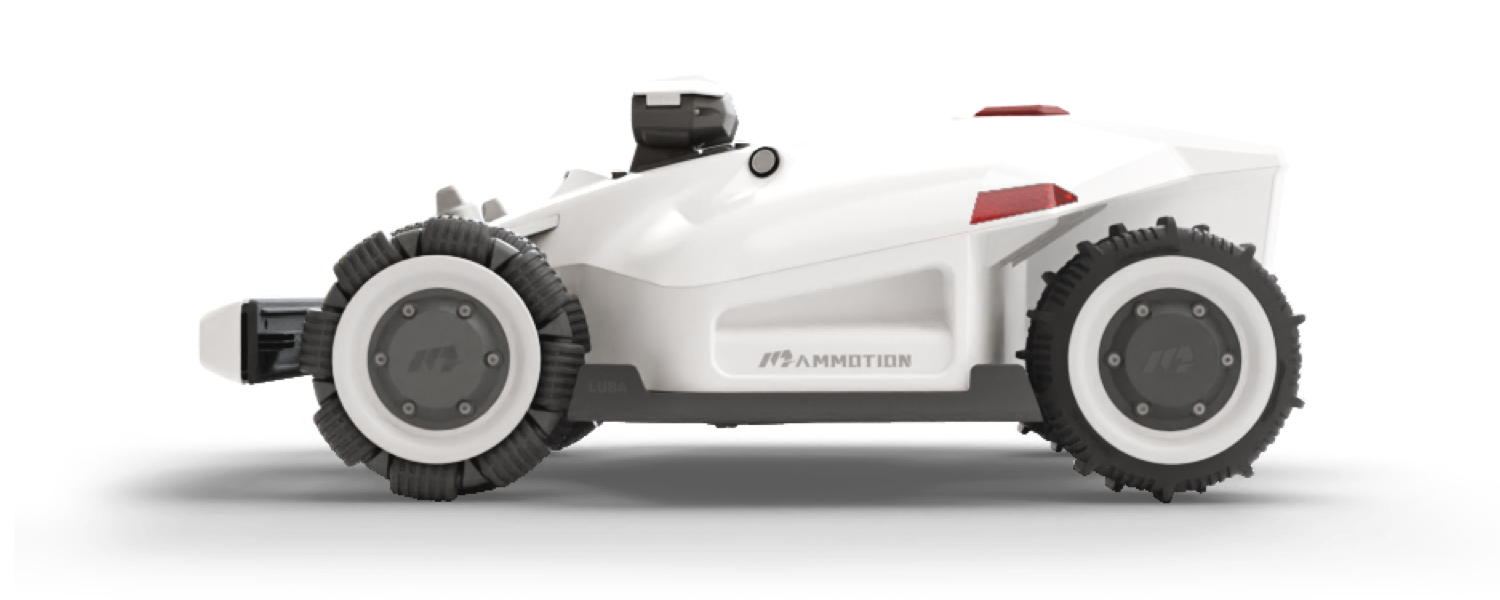
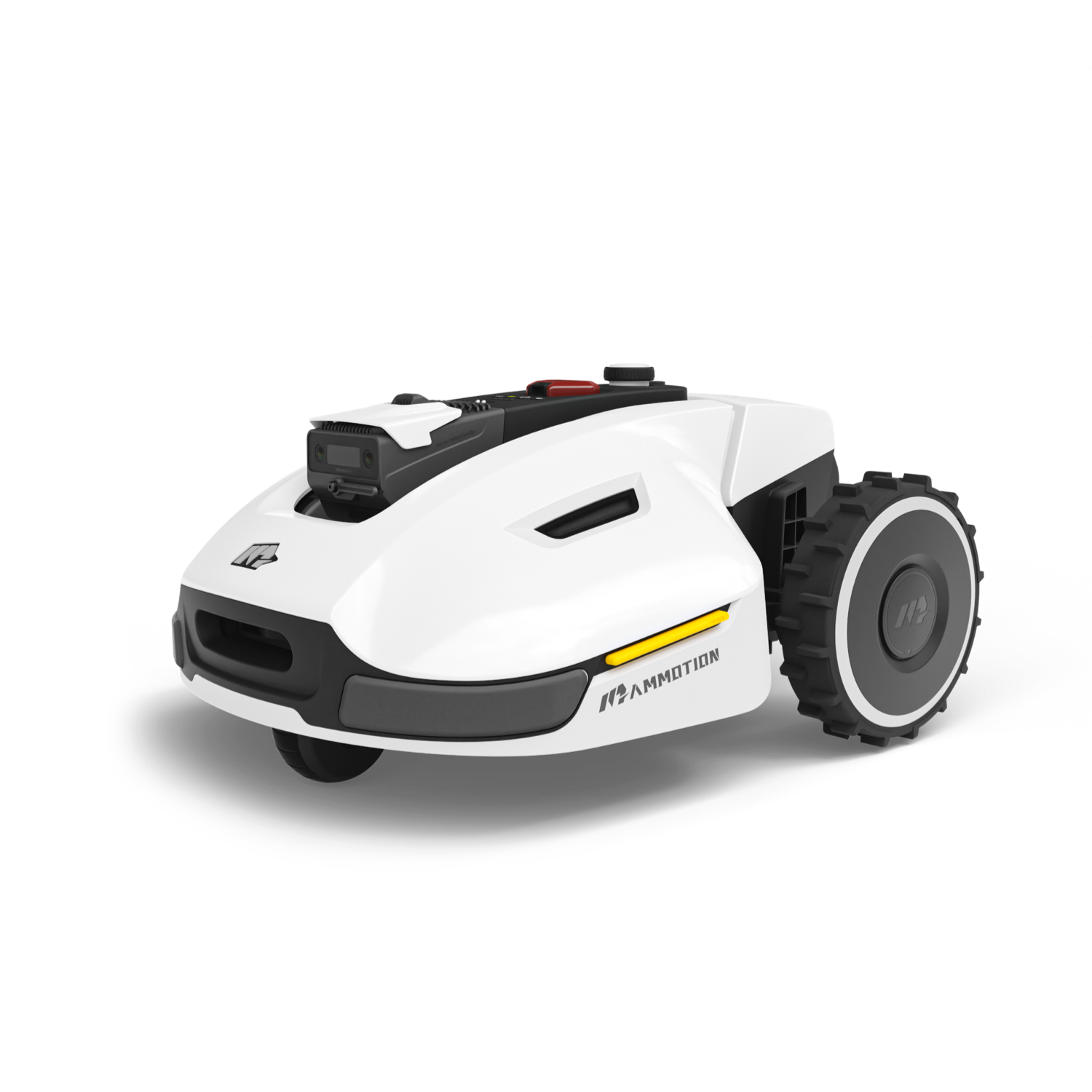
To use these images in your Home Assistant configuration, place them in a dedicated folder within your configuration directory, such as /config/www/images/. This way, you can reference them in your Lovelace UI or custom components using a path like /local/images/your_image.png or use the ha-mammotion-assets repository https://github.com/mikey0000/ha-mammotion-assets.